
Registration
Employees need to register
themselves in the ORSUS application when they login to the application for the
first time.
Visit The ORSUS Suite login page appears. 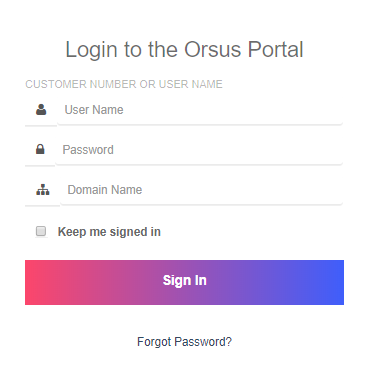 |
a)Enter login credentials that are provided by your manager, i.e., username and password and domain name in corresponding fields and then click Sign In. b) Select a question and enter an answer of your choice for all three questions and then click Save to register images that can be retrieved while resetting the password through Forgot Password option. c) Select the image that you want to set as security image (to be used when every time you sign to the portal) and then click Save. 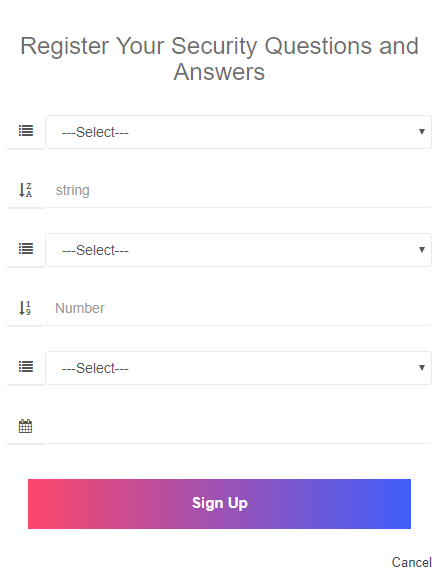 |
| a)Visit http://portal.issquaredinc.com/AuthenticationSettings/Login. b) Enter login credentials, i.e., username and password and domain name in corresponding fields and then click Sign In. c) Select the image that you have chosen as your security question and then click Verify. The ORSUS home page appears. 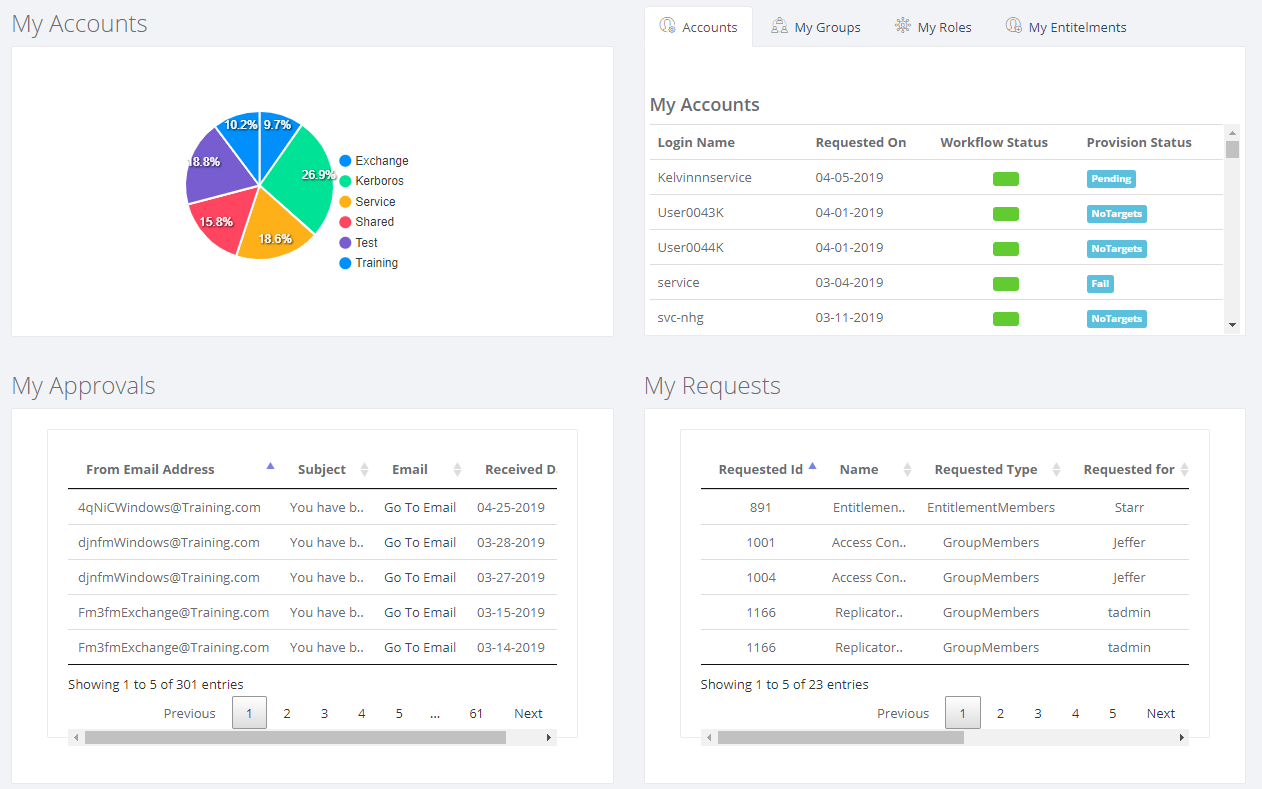 |