
.png)
Getting Started
With the employee self-service portal, employees can get 24/7 access to data and features related to them, including Leaves, timesheets, and applications. It automates the request fulfillment process for various activities such as access to application entitlements, assets, expense claims, etc.
Employees must register in the application to get access to the features available in the portal. The feature set is available based on the module selection in the portal. For example, if it is the workforce module, employees are allowed to access to Timesheets, Leaves, expenses, etc. and if it is Global, employees are allowed to update the settings related to their account.
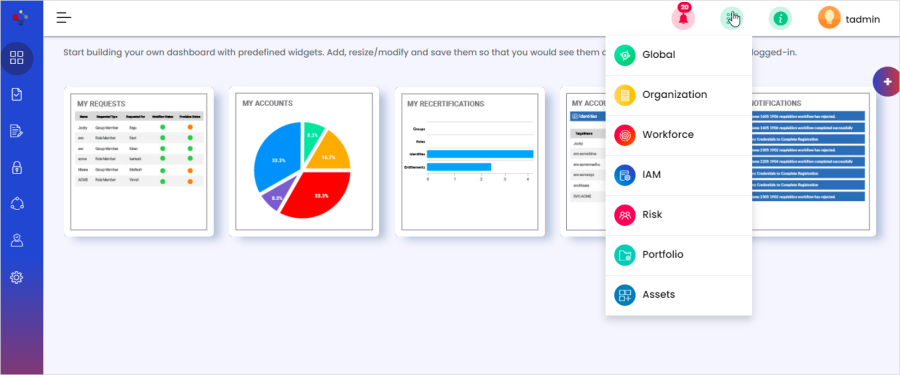
The following are the module-wise activities, which can be performed by employees in the self-service portal.
Global Module:
The global module is the default landing module in the ORSUS application. Using this module, you can manage your account security, update your profile information, set your account preferences, manage account requests, and respond to requests that need your approval.
Approvals
Requests
Dashboard:
Account Settings
Profile Details
Delegation
Workforce Module
The Workforce module helps optimize workforce resources by specifically implementing best-practice HR management processes. It facilitates a real-time platform for unifying user life cycle, employee self-service, talent management, time and absence, compensation, and recruitment.